MS Outlook - Check Mailbox Size Limit in Classic Outlook
All Troubleshooting steps / How To:
- Open Classic Outlook client (from new Outlook: click on Help and then Go to Classic Outlook)
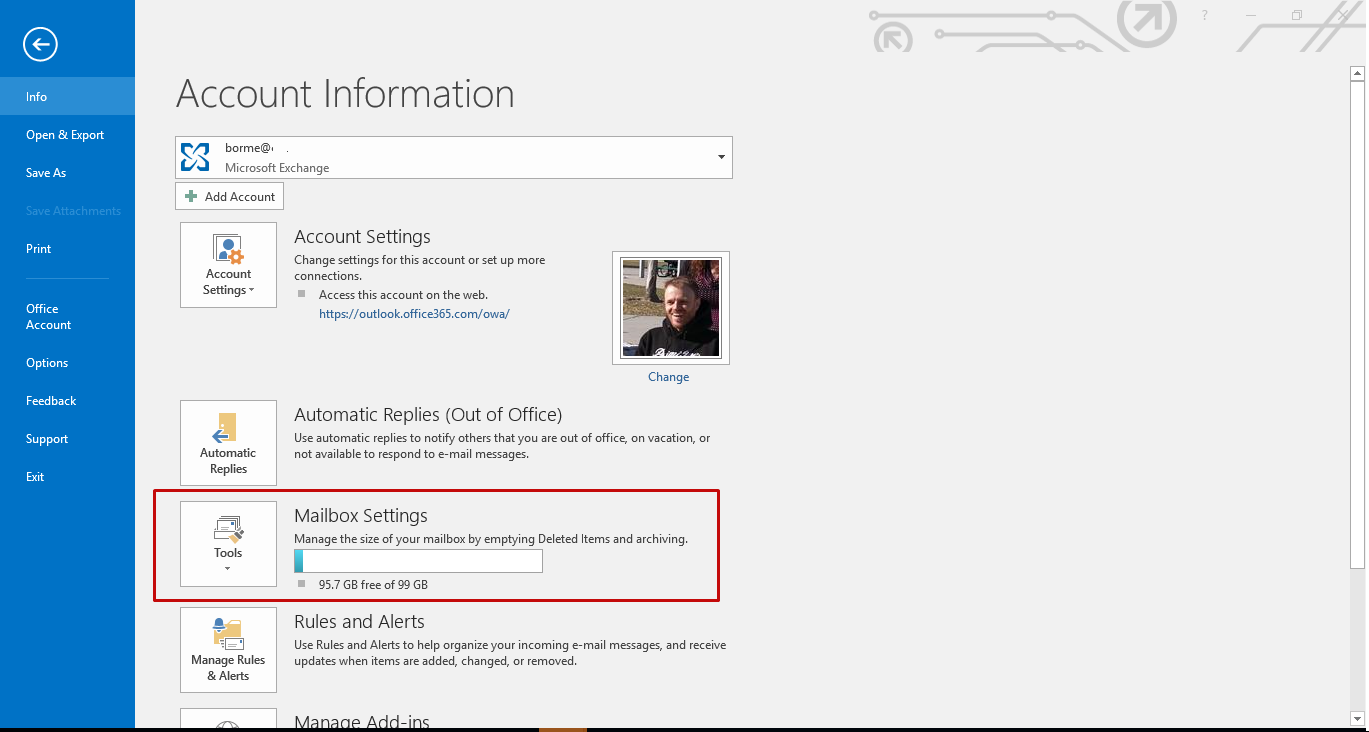
- Select File
- Next halfway down the page it will list the size of the outlook mailbox and what has been used.