
MS Teams Analytics - Creating a Wallboard
In order to create a wallboard to publish or share, you'll need to click on "Wallboard" in the upper righthand corner of your screen.

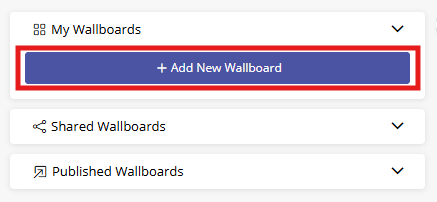
Click on "+ Add New Wallboard" on the lefthand panel.
Fill out the collection wizard: give the wallboard a name, choose who you'd like to share it with, and select the KPIs and filters you want your wallboard to show.


Your wallboard will appear on the righthand panel of your screen. To add more KPIs to your wallboard, click on the + icon in the upper righthand corner of your screen. To make your wallboard your default, edit, delete, or publish, use the icons next to the wallboard name on the lefthand panel.
