
Cisco Webex Admin - Edit Holiday Schedules For AA
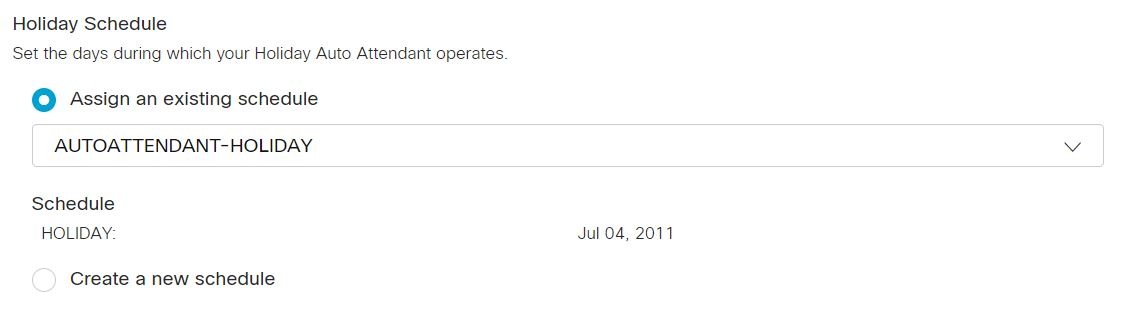
Set the days during which your holiday auto attendant operates. You can assign a holiday schedule created previously, or create your own holiday schedule for the auto attendant.
| 1 |
From the customer view in https://admin.webex.com, go to Services, and choose Calling > Features. |
| 2 |
Click Auto Attendant and then select the auto attendant to edit from the list. |
| 3 |
In the side panel, under Holiday Auto Attendant click Schedule. |
| 4 |
Choose one of the following options:
|
| 5 |
Click Save. |

Webex Help Center:
For the lastest and greatest, check out Webex Help Center:
Cisco Webex Admin - Edit Holiday Schedules For AA